

Pepper's sales and support in Europe
What’s next for Pepper?
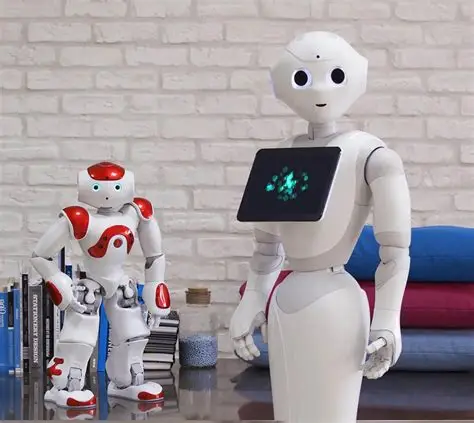
Maxtronics does not provide technical support for Pepper, which was previously managed by Softbank Robotics, Aldebaran (definitely closed) and United Robotics Group (definitely closed). Our Maxtronics support services are limited to NAO 6 only.
The cloud services will end on October 1st 2026.
You can still download applications on the Aldebaran app-store until this date Aldebaran – Store Apps.
At present, there is no official support center for Pepper in Europe.
Maxtronics is looking for an European partner to take over all the Pepper activities regarding Sales, Repair and Support.If you are interested, feel free to contact us.
Alternative options:
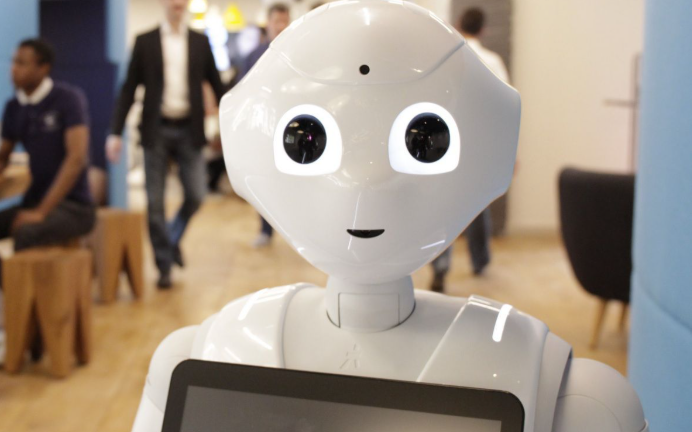
Rent a Pepper:
If you are interested to rent a Pepper for your events, please contact us, we will be happy to introduce you to our local renting partner.
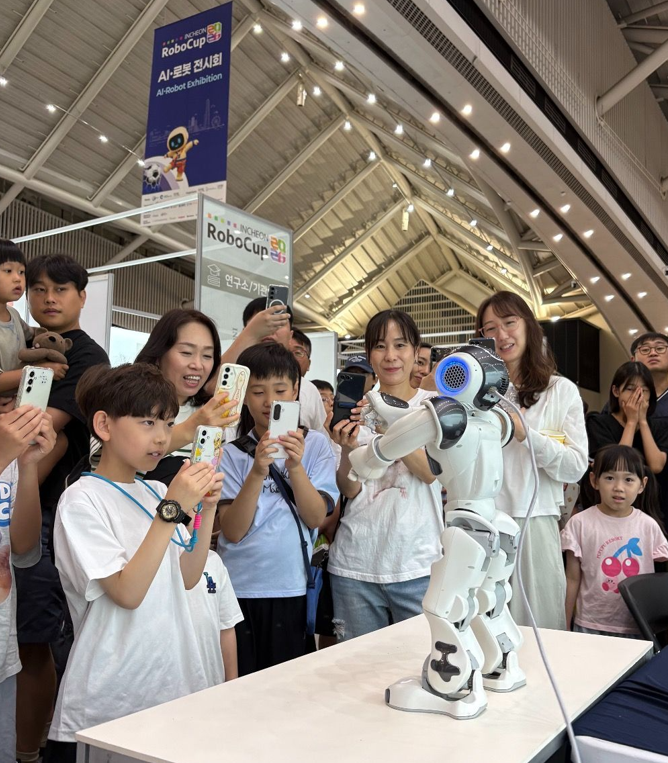
Consider NAO instead!
With 20 000 deployed units, NAO benefits from a particularly rich software ecosystem and a broad range of applications and proven use cases, especially in education, research, autism and helthcare.
While NAO has traditionally been associated with more technical and research-oriented applications, generative AI on NAO6 is now opening the door to much more accessible, non-technical use cases, with more natural interactions, personalized experiences, and new services.
This makes NAO a highly versatile platform with significant potential to evolve over time.
Or manage Pepper by your own:
Despite the lack of current support, if you still want to use your Pepper, all necessary ressources (documentation, SDKs, and related materials) are available in this page below.
Pepper 2.5 - Downloads
Archived ressources for Pepper before NAOqi 2.9 (2.5.10.7 and later)
If you want to factory reset your Pepper , you can download the NAOqi Image 2.5.10.7 here.
Requested License key for Choregraphe : 654e-4564-153c-6518-2f44-7562-206e-4c60-5f47-5f45
Documentation is available here : Overview — Aldebaran 2.5.11.14a documentation
Pepper 2.9 - Downloads
This is all you need for Pepper with NAOqi 2.9 :
Pepper - Upgrade NAOqi from 2.5 (Python) to 2.9 (Android)
It is absolutely not recommended that you try a NAOqi upgrade on your own with the opn files because this will result with an upgraded Head and not the tablet and your robot won’t work properly anymore!
Note:
– Pepper 1.6 & 1.7 are compatible with NAOqi 2.5 (Python) only!!
– Pepper 1.8A and Pepper 1.8 are compatible with both NAOqi 2.5 (Python) and NAOqi 2.9 (Android)
Pepper - Downgrade NAOqi from 2.9 (Android) to 2.5 (Python)
It is absolutely not recommended that you try a NAOqi downgrade on your own with the opn files because it requires specific softwares and tools to downgrade both the Head and the Tablet of Pepper. This will result with an downgraded Head and not the tablet and your robot won’t work properly anymore!
Note:
– Pepper 1.6 & 1.7 are compatible with NAOqi 2.5 (Python) only!!
– Pepper 1.8A and Pepper 1.8 are compatible with both NAOqi 2.5 (Python) and NAOqi 2.9 (Android)